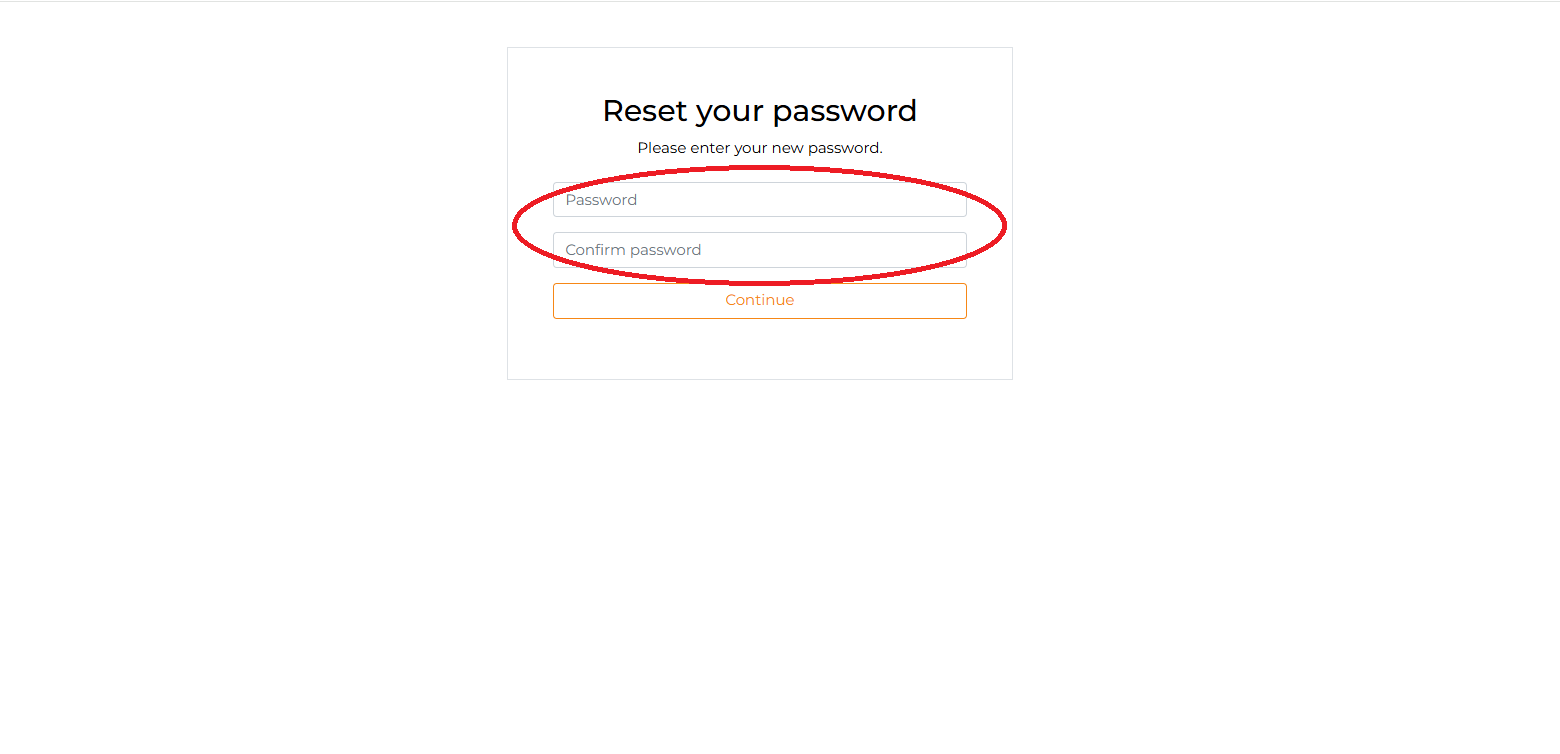
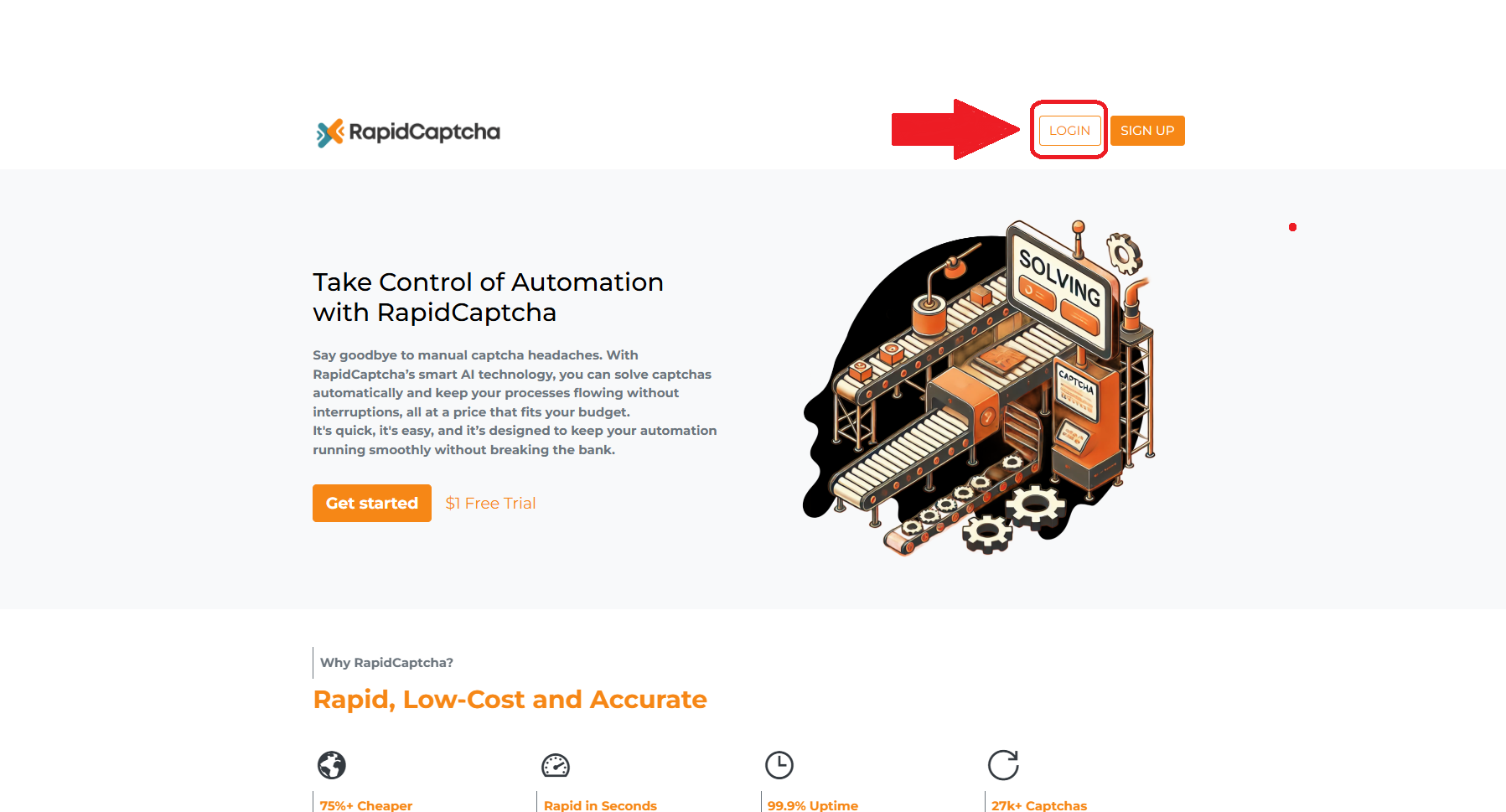
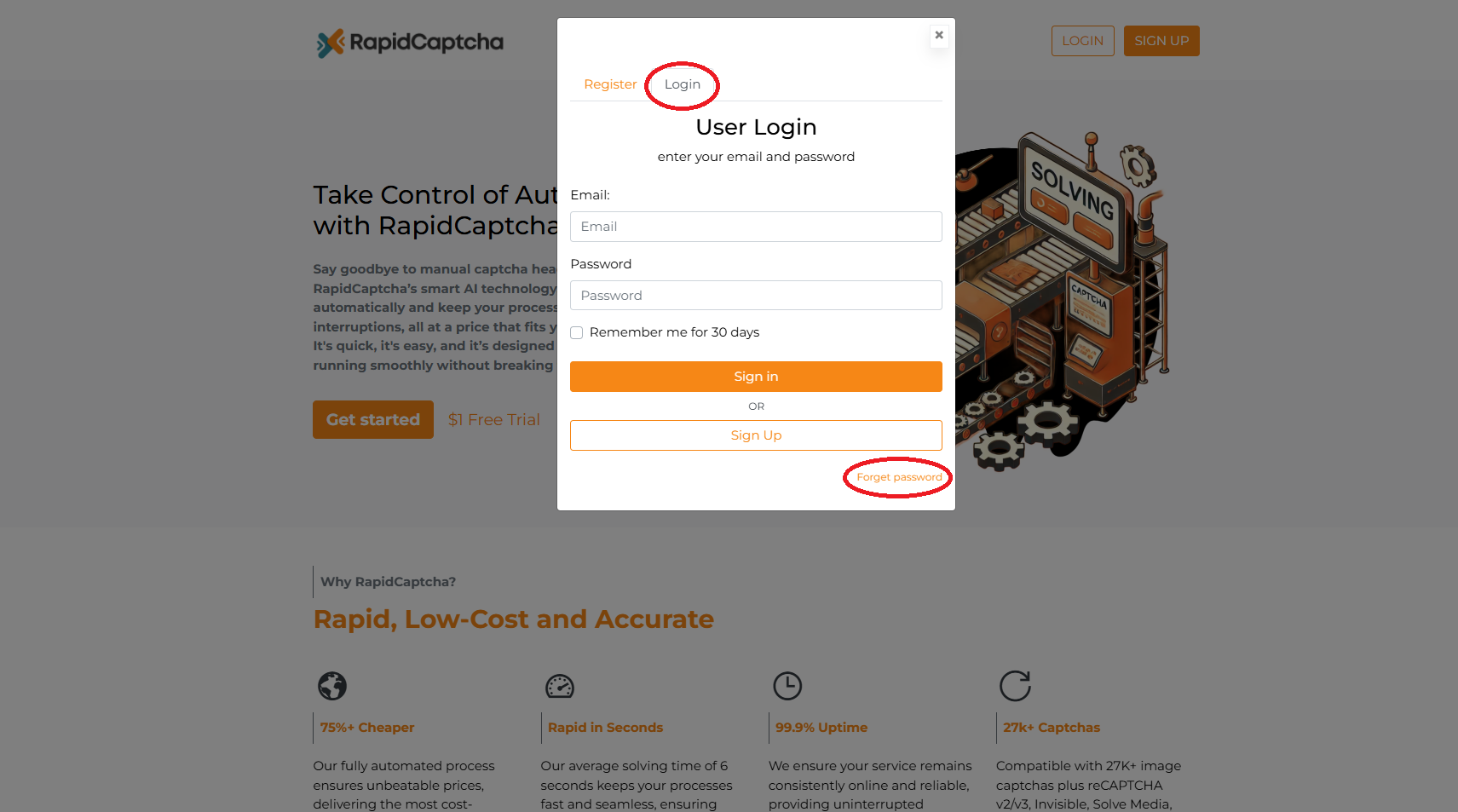
Forgot your password? Go to the login page and click "Forgot Password" to reset it:
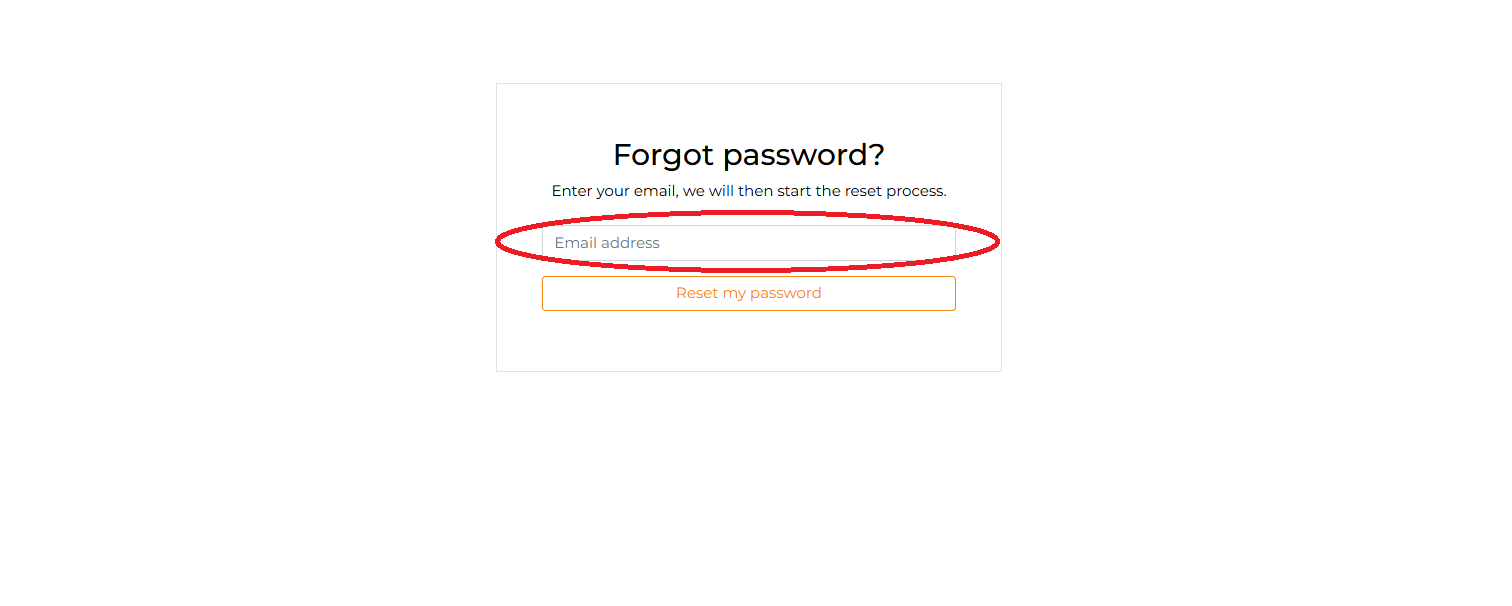
Enter the email linked to your RapidCaptcha account:
After entering your email, check your inbox for a reset link and use it to set a new password, and don’t forget to check your spam or junk folder if the email isn’t in your inbox:
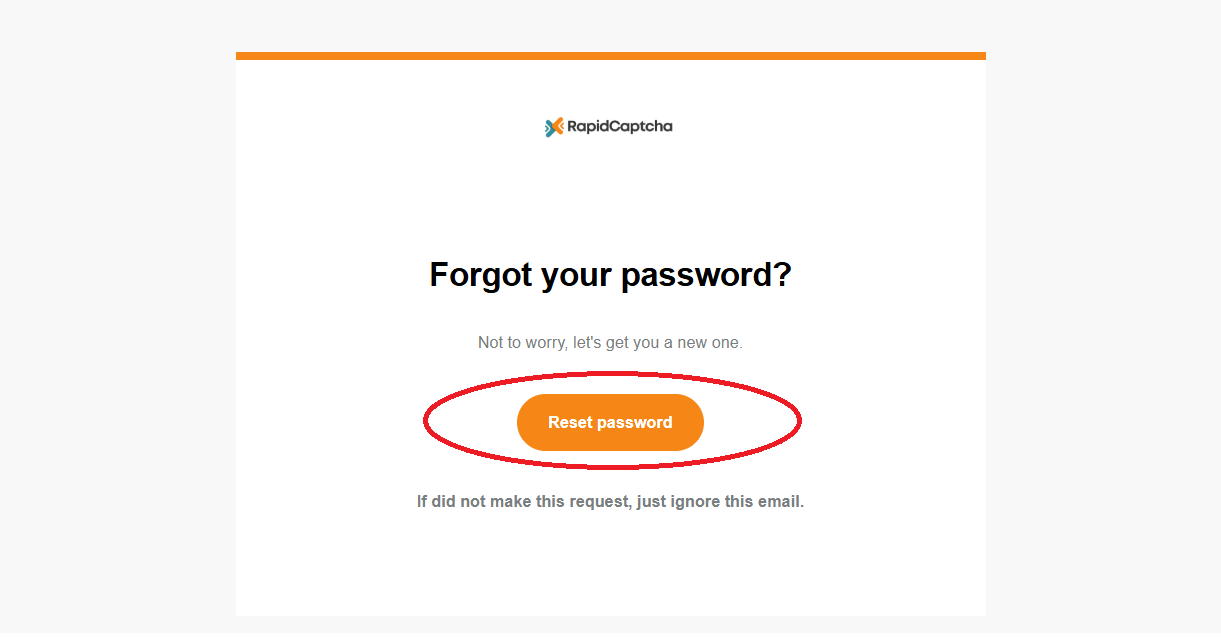
You're all set to reset your password and access your account!